Free template · Notion
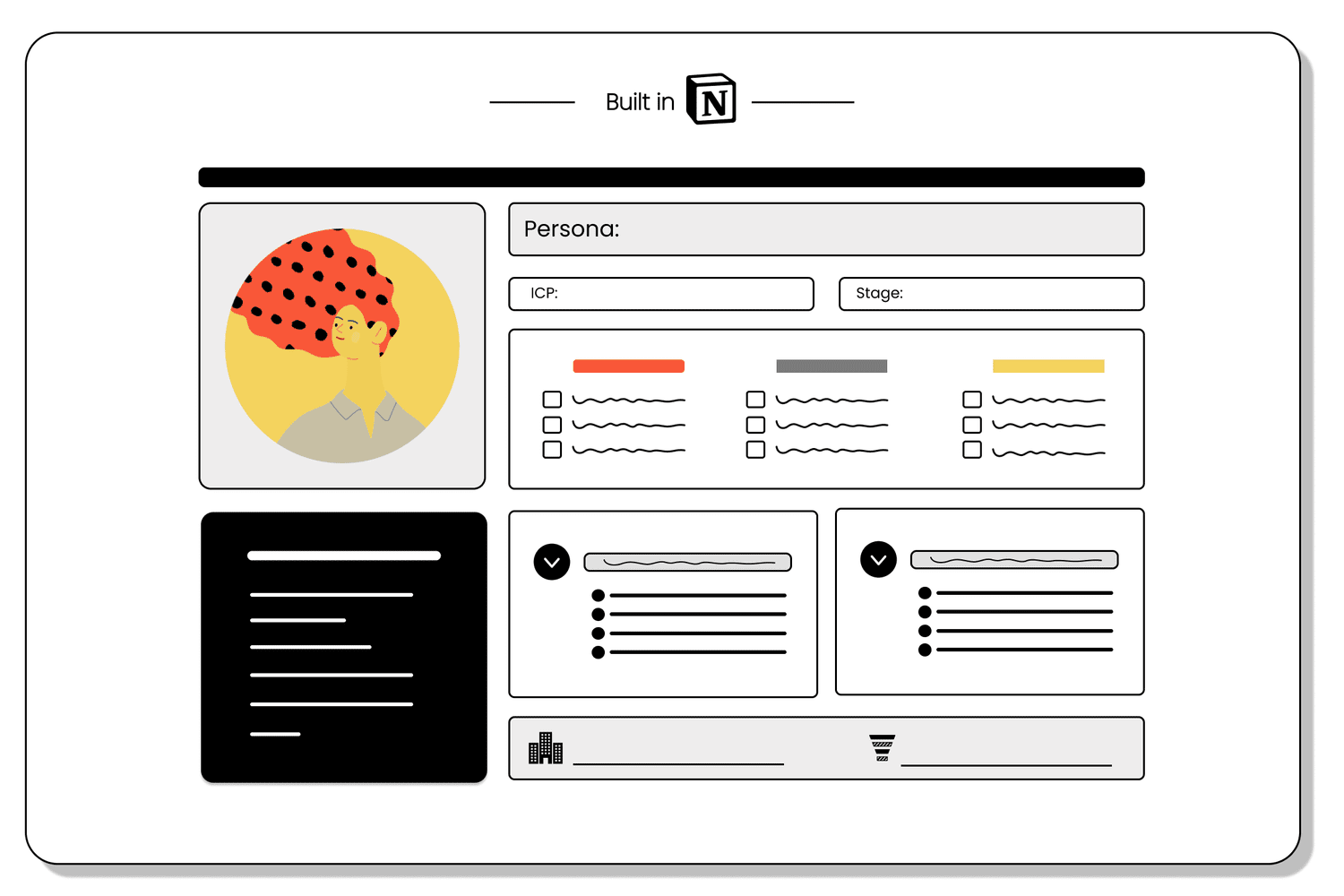
Audience profile builder
People are complex. Audiences are messy. The profile builder helps marketers make sense of it all.
With guiding prompts and building block structure, this template helps uncover what makes your audience tick and then organizes it so it can be applied consistently.
← All templatesGetting started
If you have a Notion account
- Open the template. It loads in a new tab.
- Click “Duplicate” in the upper-right corner. Notion copies the template into your workspace in a few seconds.
- Find it at the top of your sidebar, then work through the “How to use” section inside the template.
If you don’t have a Notion account
- Open the template and click “Try Notion” in the upper-right corner. Accounts are free.
- Once your account is set up, open the template link again and follow the steps above.