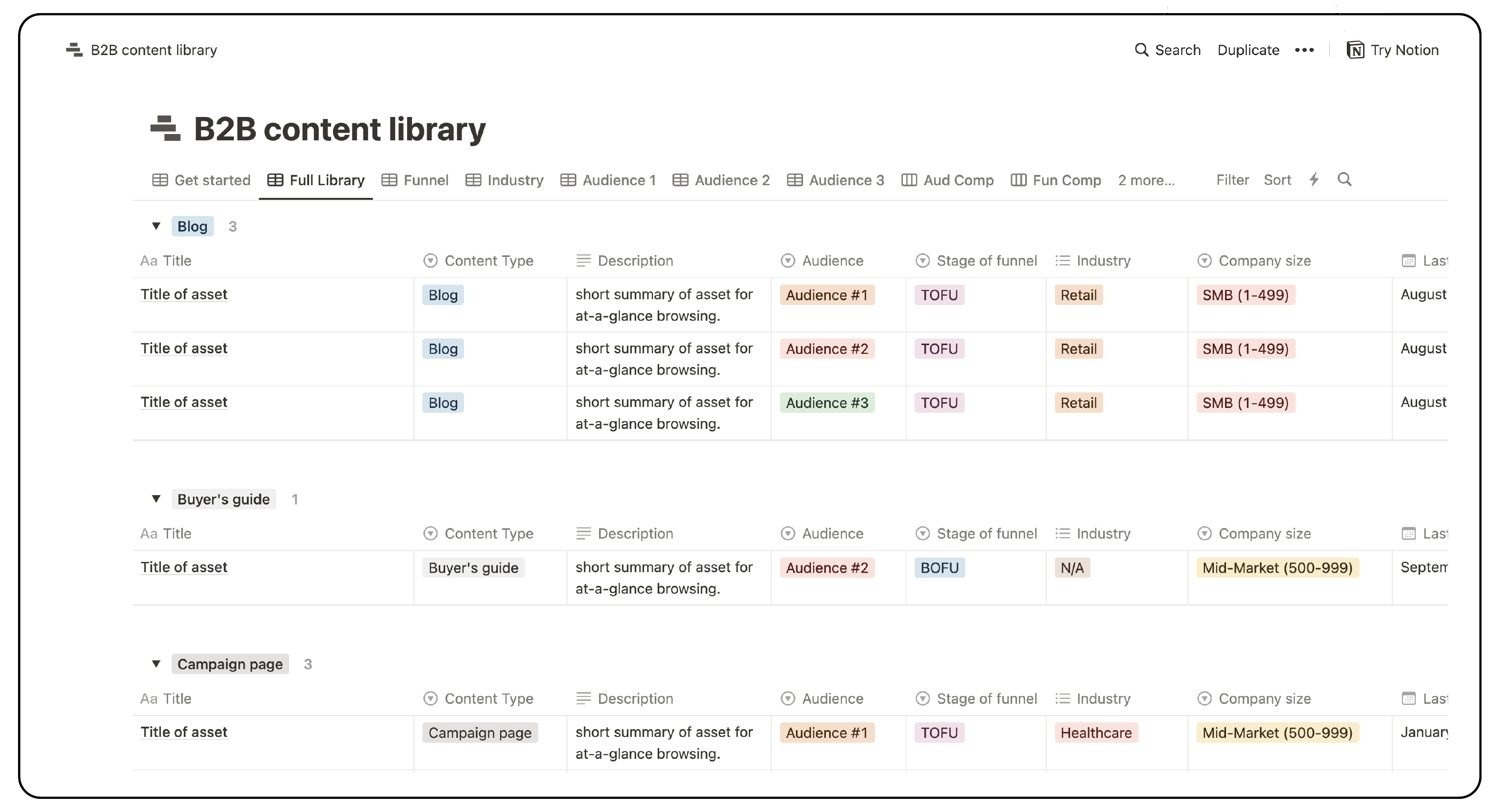
B2B content library
Good content turns into bad content when it’s not used, connected, or up-to-date.
The B2B content library organizes assets into core marketing categories with scannable views so everyone knows what’s available and how to use it.
All templatesGetting started
Have a Notion account
- Open the template. It loads in a new tab.
- Click “Duplicate” in the upper-right corner. Notion copies the template into your workspace in a few seconds.
- Find it at the top of your sidebar, then work through the “How to use” section inside the template.
New to Notion
- Open the template and click “Try Notion” in the upper-right corner. Accounts are free.
- Once your account is set up, open the template link again and follow the steps above.