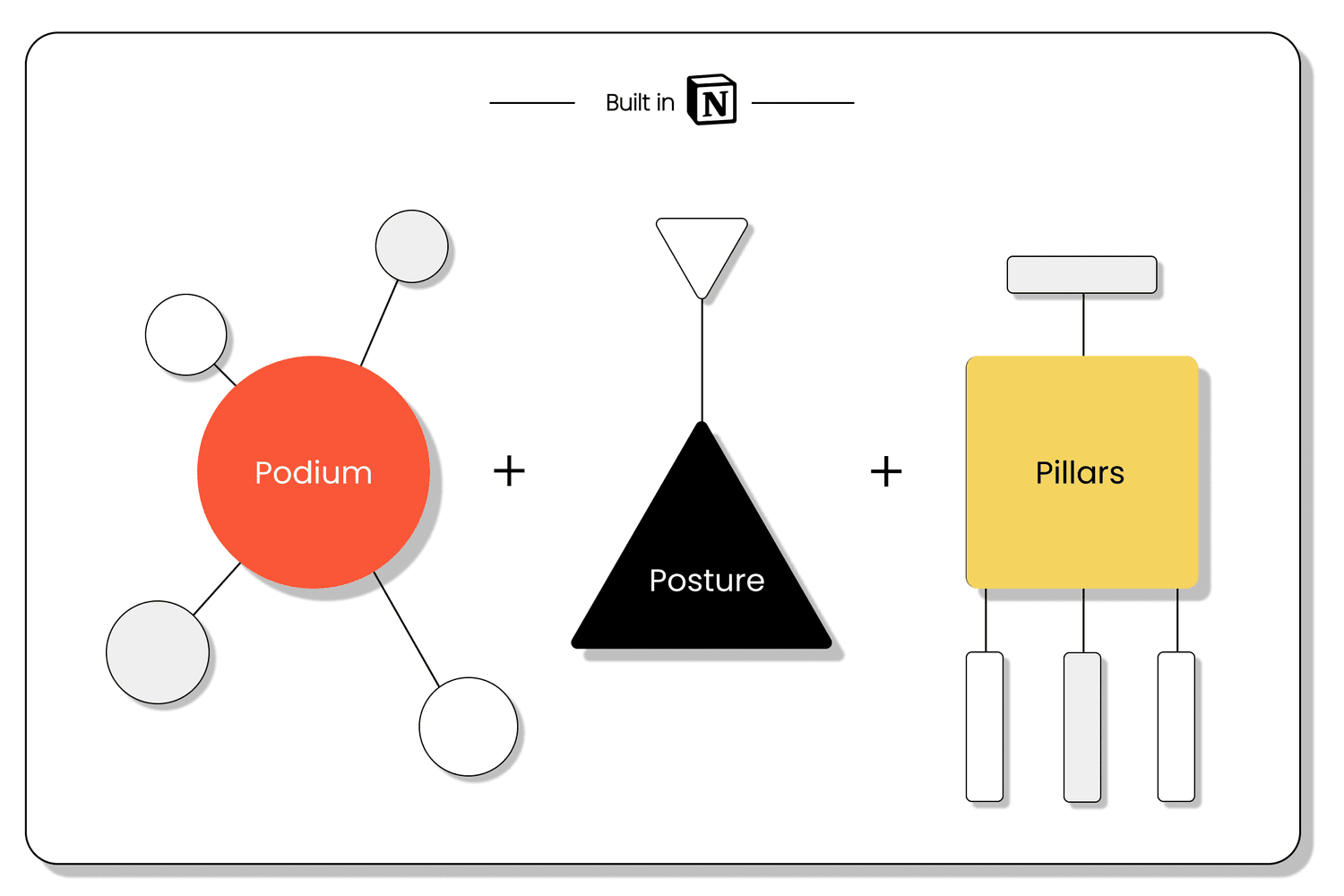
Narrative ID: Thought leadership
Thought leadership is more than slapping an expert’s name on a blog. But there’s usually not enough direction to do more than that.
The Narrative ID is a granular messaging and positioning framework that helps make each thought leader multidimensional and quality content easier to create.
← All templatesUncover your secret
Guiding prompts help you identify what makes each thought leader unique, essential, and worthy of attention.
Consistency and whitespace
Clear audience and messaging sections ensure each thought leader’s content is consistent yet differentiated from others in your program.
Multiple threads to pull
Granular narrative components give marketers a bunch of options to create storylines and tie current events into available expertise.
Know why you’re talking
The framework pulls from best practices in narrative development to capture what makes each thought leader exceptional and how to translate that into content.
Death to platitudes
Probing prompts help you get beneath the surface with each thought leader to uncover the juiciest perspectives on the hottest topics.
If you have a Notion account
- Open the template. It loads in a new tab.
- Click “Duplicate” in the upper-right corner. Notion copies the template into your workspace in a few seconds.
- Find it at the top of your sidebar, then work through the “How to use” section inside the template.
If you don’t have a Notion account
- Open the template and click “Try Notion” in the upper-right corner. Accounts are free.
- Once your account is set up, open the template link again and follow the steps above.